Self-Host Error Tracking Kit · GlitchTip

Your own Sentry-compatible error tracker — on a small VPS, not a monthly meter

Sentry’s self-hosted build officially asks for 16 GB RAM + 16 GB swap. GlitchTip — open source, Sentry-SDK-compatible — runs on 512 MB by its own docs. This kit turns that fact into a working install: one command on a fresh Ubuntu box, a hardened stack, DSN wiring for JS/Python/PHP/Go, nightly backups, alert routing and the update playbook. One payment of $42 — no subscription.

Get the kit — $42
One-time payment · ≈ ฿1,490 · free updates for v1.x · instant download

What's inside the kit

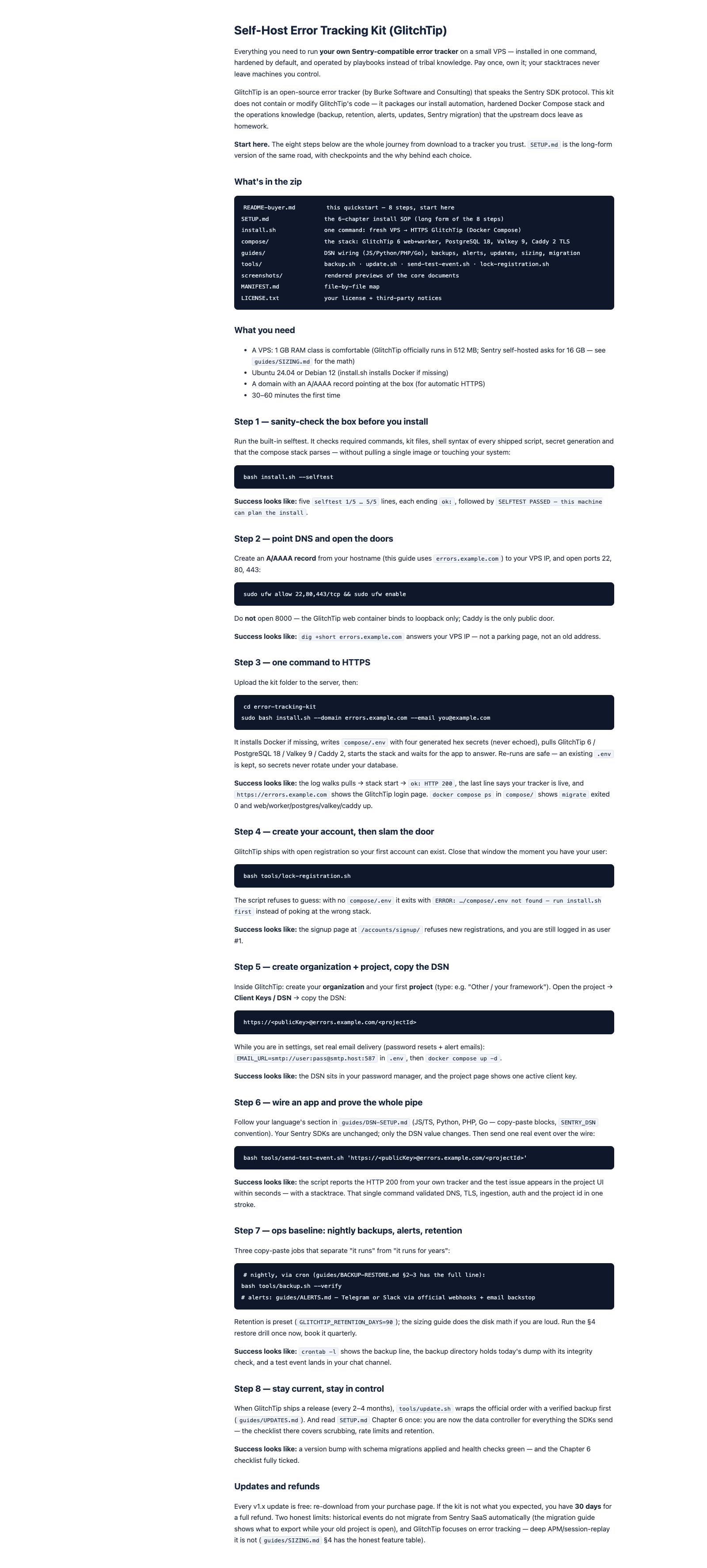
One zip, 19 files: an installer, a hardened Docker Compose stack, guides you read once and tools you run forever. Nothing hosted by us — everything runs on infrastructure you control.

Install

One command, fresh VPS to HTTPS

install.sh installs Docker if missing, generates your secrets (never printed, chmod 600), wires Caddy for automatic TLS and waits until GlitchTip answers. Re-runs are safe: an existing .env is kept, so secrets never rotate under your database.

The stack

Hardened Docker Compose

GlitchTip 6 web + worker + one-shot migrate, PostgreSQL 18 with least-privilege roles, Valkey 9, Caddy 2 with security headers. The web container binds to loopback; Caddy is the only public door. 40 MB upload ceiling matches the official proxy requirement.

Wiring

DSN setup for JS, Python, PHP, Go

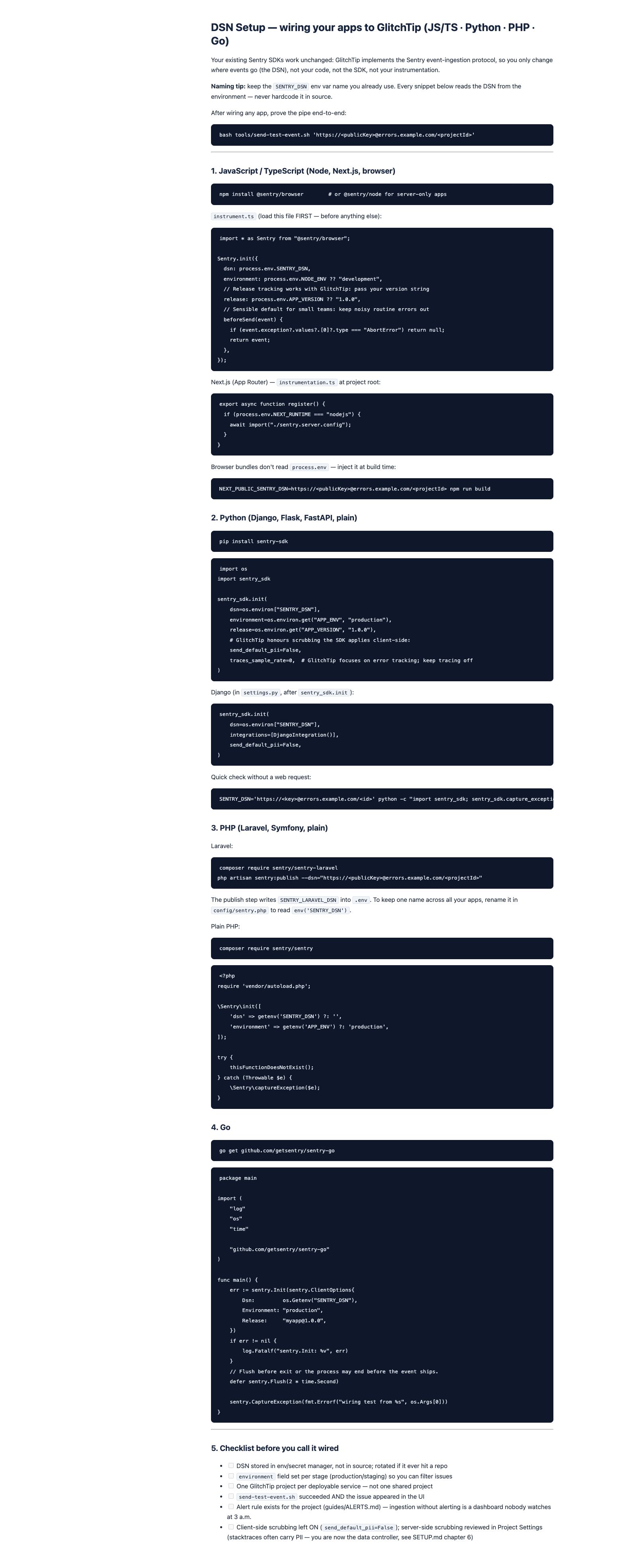
Copy-paste SDK blocks per language, the SENTRY_DSN env convention and scrubbing defaults that keep PII out of your tracker. Then prove the whole pipe with one command: send-test-event.sh expects HTTP 200 and shows the issue in seconds.

Backups

Nightly dumps you actually restore

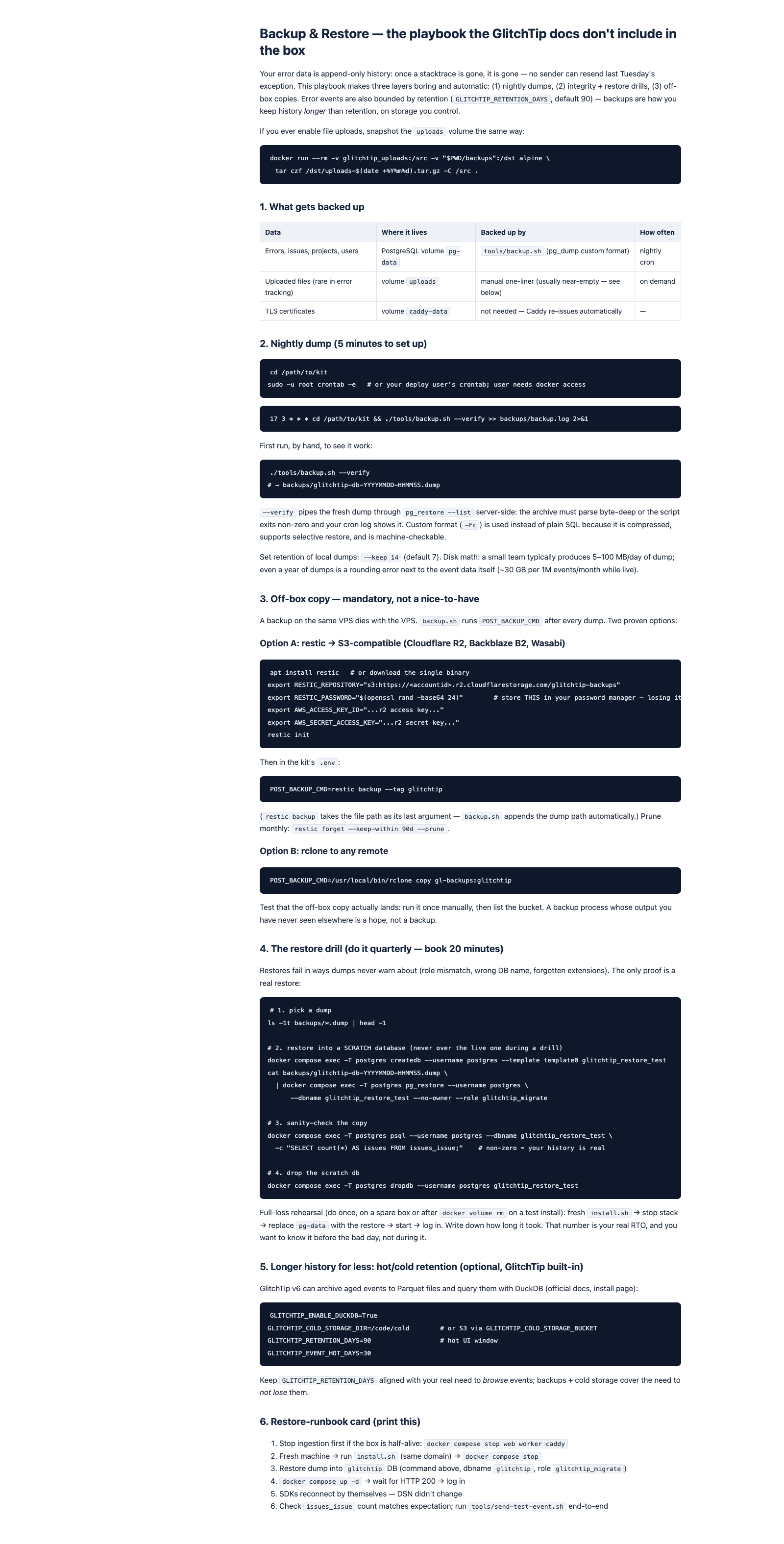
backup.sh: pg_dump in custom format, retention with --keep, pg_restore --list integrity checks and an optional off-box hook (restic → Cloudflare R2 example included). The quarterly restore drill is written down — do it once, book it forever.

Alerts

Telegram / Slack — loud enough, not noisy

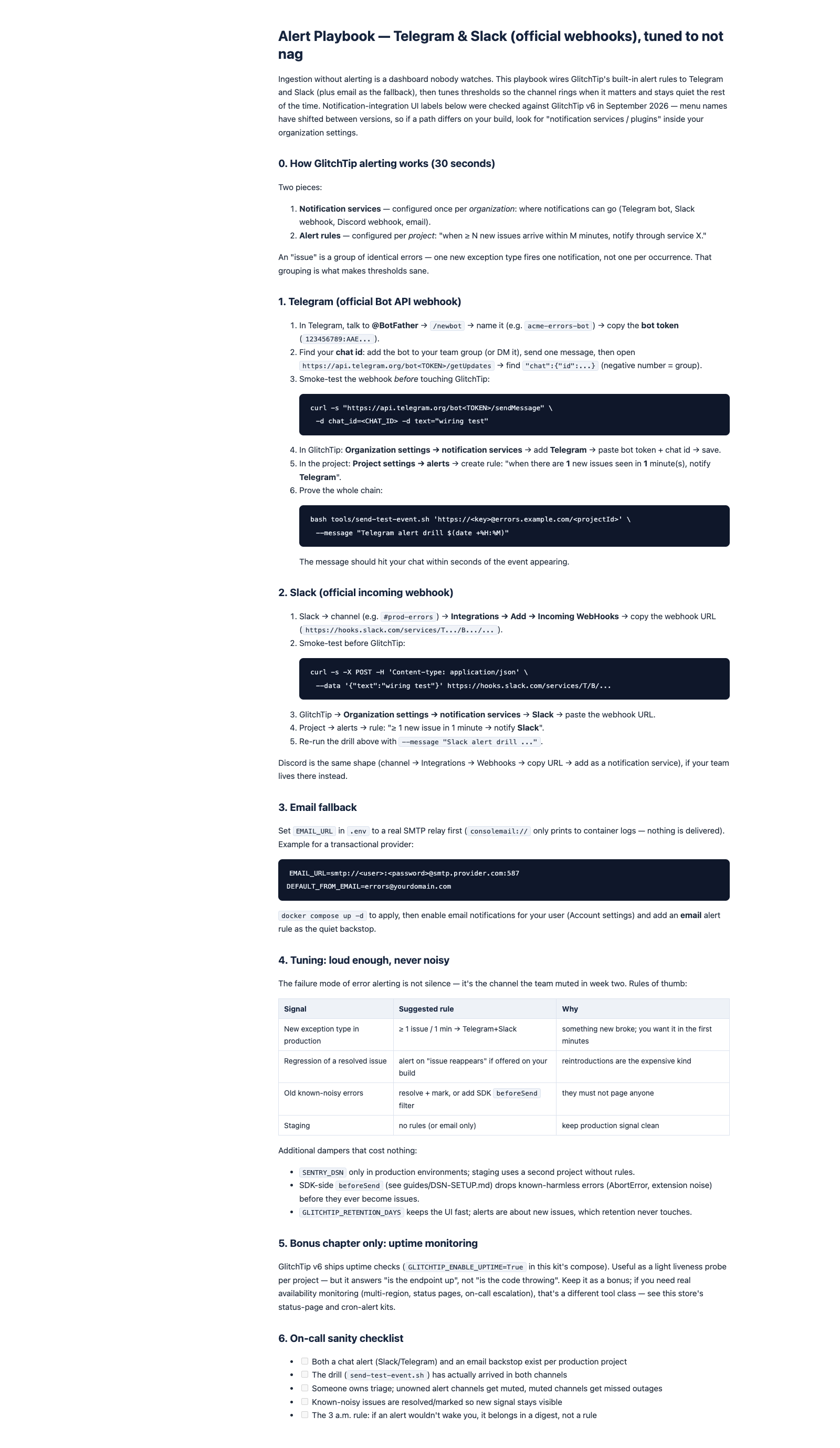
The alert playbook routes new-issue alerts to Telegram or Slack via their official webhooks, adds an email backstop and tunes rules of thumb: one new issue in one minute → chat channel. Test the whole chain with send-test-event.sh.

Migration + sizing

Sentry SaaS → GlitchTip checklist

Five phases: inventory, stand-up, parallel run app-by-app, env parity, and an honest feature-gap pass before you cancel anything. Nothing is destroyed until you flip the DSN — rollback is one environment variable. SIZING.md does the 12-month cost math.

What this kit will not promise you

No uptime or security promises. You own the server, so you own the operations. The kit hands you the playbooks — backups, retention, alerts, updates — and running them stays with you. That is the deal of self-hosting: control in exchange for responsibility.

No managed hosting, no rebranding. Nothing is hosted by us and nothing of GlitchTip is modified — the installer runs Burke Software’s official Docker images (AGPL), and the license file says so plainly. Your error data never transits anyone else’s server; that is the entire point.

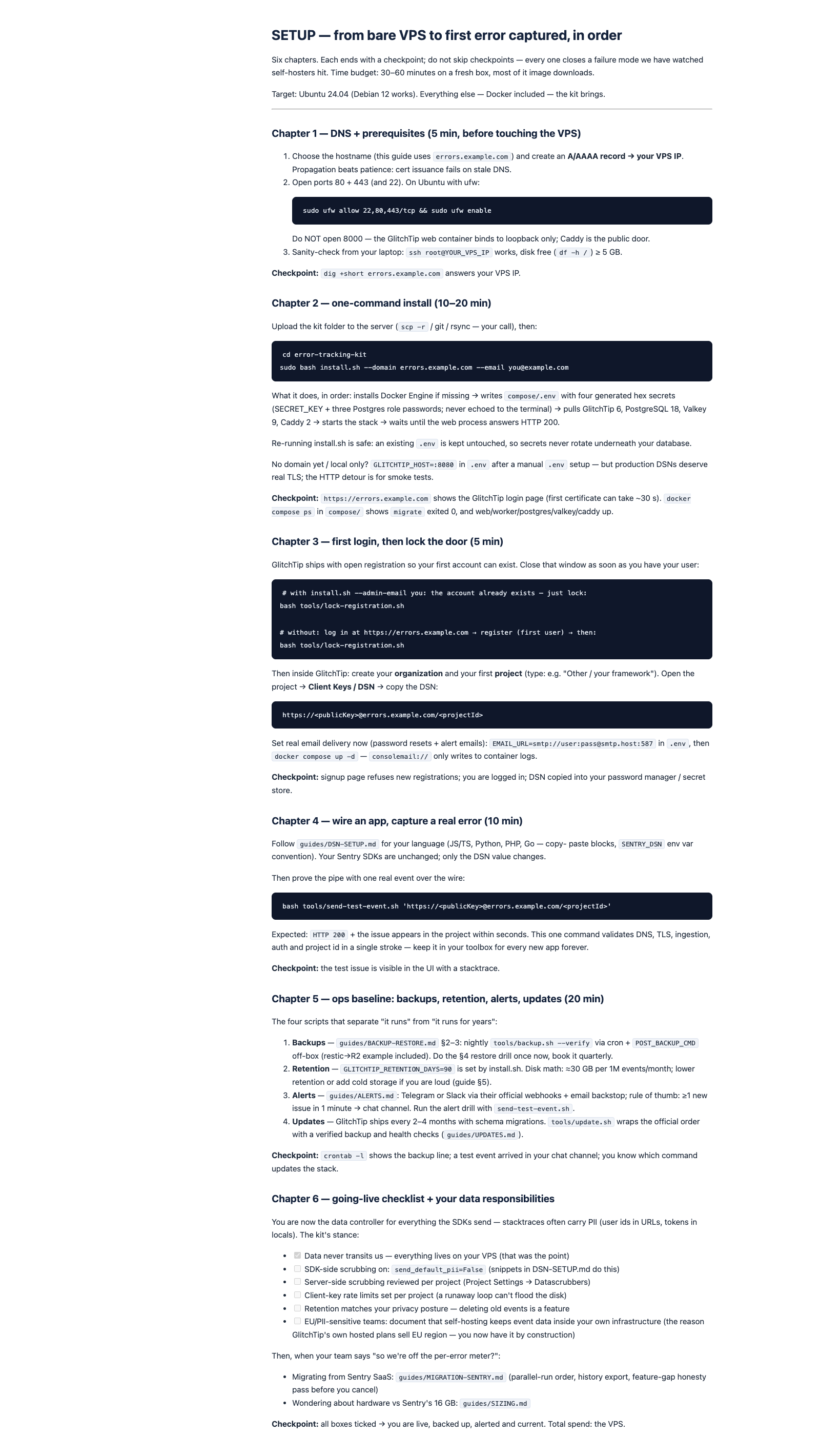
Real work, honestly sized. From bare VPS to first captured error: about 30–60 minutes, most of it image downloads. Maintenance is minutes a week — a cron line and a chat channel you already read. The sizing guide also shows when a team would outgrow a small box, and what that costs.

How you'll use it

From zip to a captured error in about an hour — then the kit keeps earning its price in the boring parts.

Hour 1 — install

One command on a fresh box

Point DNS, open ports 80/443, run install.sh with your domain. Log in, create your organization and project, copy the DSN — then lock registration with one command.

Hour 1–2 — wire apps

Swap the DSN, capture a real error

Follow your language's section in DSN-SETUP.md (JS/TS, Python, PHP, Go), deploy, and run send-test-event.sh. The test issue in your dashboard is the finish line.

After — operate

Backups, alerts, updates

Add the nightly backup cron, route alerts to your chat, set a retention window. When GlitchTip ships a new release, update.sh follows the safe order with a verified backup first.

One price. You own the setup.

No monthly plan, no per-error fee, no subscription — that's the entire reason this kit exists.

$42 one-time payment

≈ ฿1,490 · pay in your card's currency at checkout

  • install.sh + hardened compose stack (GlitchTip 6 · PostgreSQL 18 · Valkey 9 · Caddy 2)
  • DSN wiring for JS/TS, Python, PHP, Go + send-test-event.sh
  • Backup/update tooling, Telegram/Slack alert playbook, Sentry migration checklist, sizing guide
  • Free updates for v1.x · 14-day full refund
Buy the kit — $42

Secure checkout via Stripe · card payments · taxes calculated at checkout

Frequently asked questions

Is this GlitchTip? Are you affiliated with them?

No. GlitchTip is an open-source project by Burke Software and Consulting (AGPL). This kit contains none of their code — it packages our install automation, hardening choices and operations guides around their officially published Docker images. We are not affiliated with, or endorsed by, the GlitchTip project.

Why not just stay on Sentry's hosted plans?

The Developer tier is 5k errors — fine for a hobby project. Past that, Team is $26/month when billed annually (50k errors) with per-error overage above the tier, per Sentry's pricing page. Self-hosting GlitchTip on a $6–12 VPS is the flat-cost path — and the kit is what makes that path take an hour instead of a weekend.

Why not self-host Sentry itself?

You can — and 9.6k stars on their self-hosted repo say many try. But Sentry's own requirements page asks for 4 CPU cores, 16 GB RAM + 16 GB swap and 20 GB disk (32 GB recommended), and its license prohibits offering it as a service. GlitchTip speaks the same SDK protocol on 512 MB. Same stacktraces, smaller machine.

What exactly do I get?

A zip with 19 files: install.sh, the hardened compose stack, the 6-chapter SETUP.md, DSN guides for four languages, backup/restore and update guides with tools, the alert playbook, the Sentry migration checklist, the sizing guide, a MANIFEST and the license. Plain Markdown and shell — read everything in any editor.

What do I need before buying?

A small VPS (1 GB RAM class is comfortable; GlitchTip's docs say 512 MB works), a domain with an A record pointing at it, and 30–60 minutes. Docker doesn't need to be installed beforehand — install.sh handles it. The guides assume Ubuntu 24.04 or Debian 12.

Refunds and updates?

14 days, full refund — the files are yours to keep or delete. Every v1.x update is free: re-download from your purchase page. And one honest note: if GlitchTip ever ships an official installer that covers TLS + backup in one command, that is the moment this kit stops earning its price — we'd rather tell you than hide it.

Stop renting the meter. Own the tracker.

$42 one-time · ≈ ฿1,490 · free updates v1.x · instant download

Get the Self-Host Error Tracking Kit — $42